Switching Documentation Languages
How to change the language used for our documentation
Some parts of our help documentation have been translated into other languages, while others are currently available only in English. We are constantly expanding and updating our content, and new or significantly revised articles are first published in English and are subsequently translated over time. As a result, some pages or sections in your preferred language may be missing or outdated.
To ensure you have access to the most complete and up-to-date information, we recommend switching to the English version of the documentation whenever you need the most comprehensive and current information, or if an article seems incomplete in your chosen language.
Changing languages
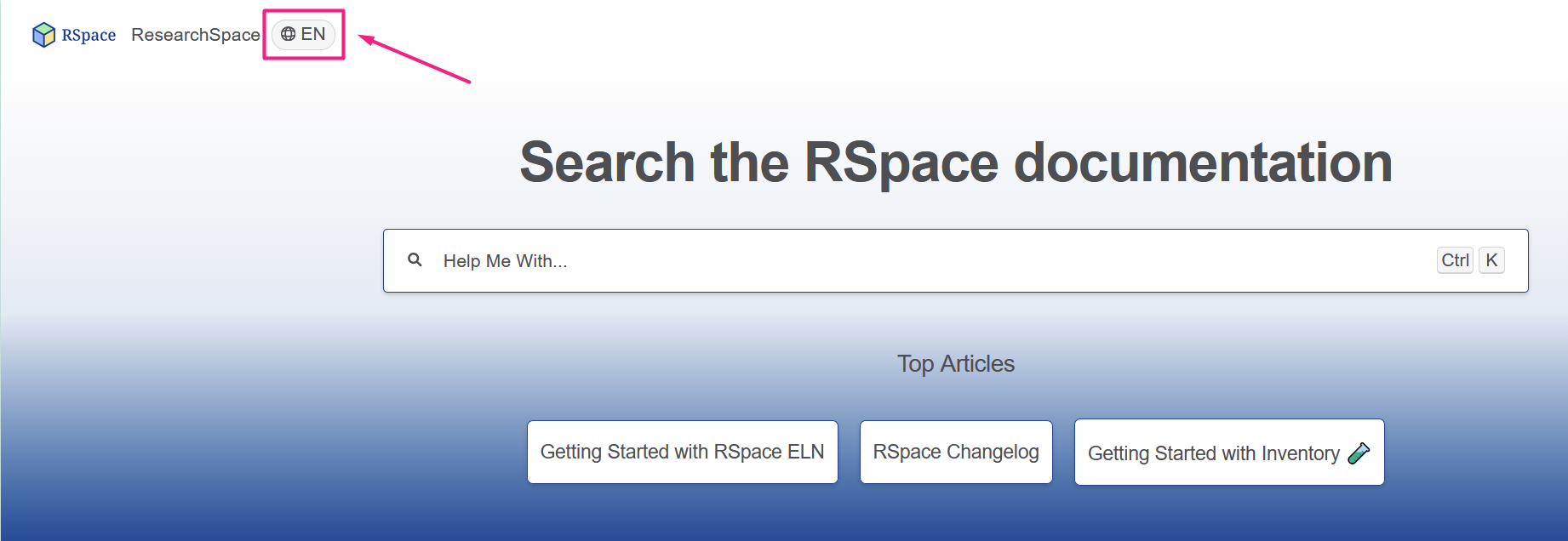
Click on the language toggle in the top-left of the help documentation to view content in a different language.
Providing feedback & translation
We want to focus our translation efforts where they will be most useful to you. Please let us know if important pages are missing in your language, translations are unclear or confusing, or if you have any general feedback regarding our multilingual documentation. If you are interested in helping us translate our documentation into your language, please get in touch as well.
Simply send us an email at our support address or use the feedback feature within the documentation. Thank you for your support!
How did we do?
The Text Editor
Examples of Sharing Scenarios and Project Organization