How to connect to Research Drive from RSpace running on Research Cloud
Running RSpace on Research Cloud benefits from out-the-box integration with SURF Research Drive. Before you start this process you'll need your SURF Research Drive (nextcloud) credentials. When you d…
Running RSpace on Research Cloud benefits from out-the-box integration with SURF Research Drive. Before you start this process you'll need your SURF Research Drive (nextcloud) credentials.
When you deploy RSpace on Research Cloud, you will be asked to choose your Research Drive URL or use the default one. Please make sure this is correct, if it is not, you will encounter errors trying to connect to Research Drive
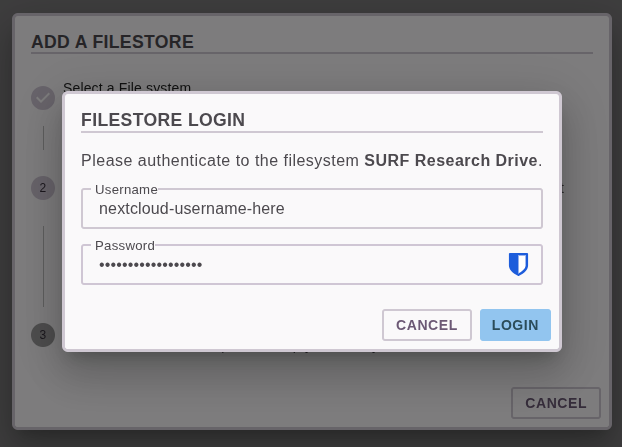
You should use your nextcloud username, and then a Nextcloud App Password (and not your main nextcloud password). You can see how to make a app password here .
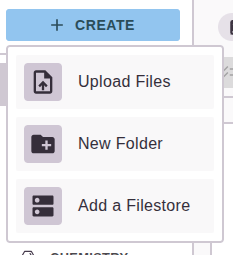
- Firstly, once signed into RSpace, navigate to the RSpace Gallery and then click Create --> Add a Filestore
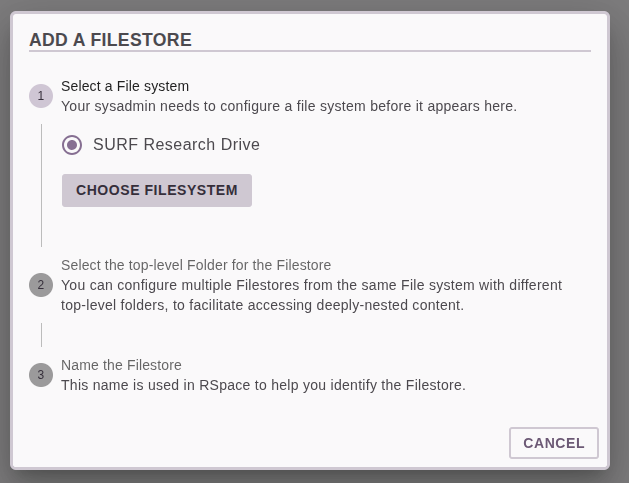
- Select SURF Research Drive and click Choose Filesystem
- Enter your SURF Research Drive credentials
- Select "root-directory" and then Choose Folder
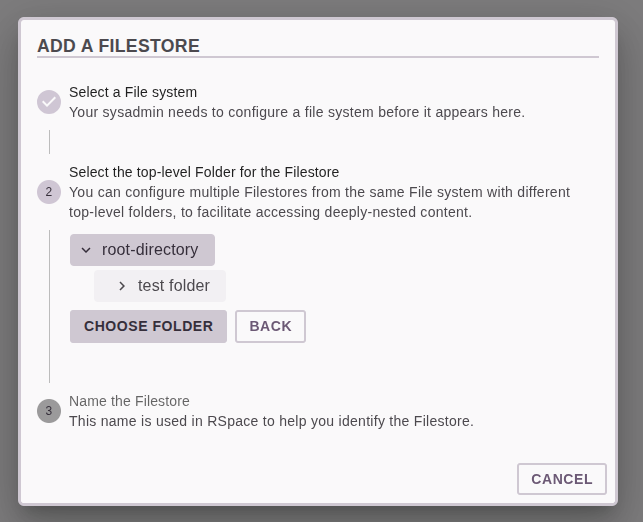
- Give your filestore a name, this is what you'll see in the RSpace gallery
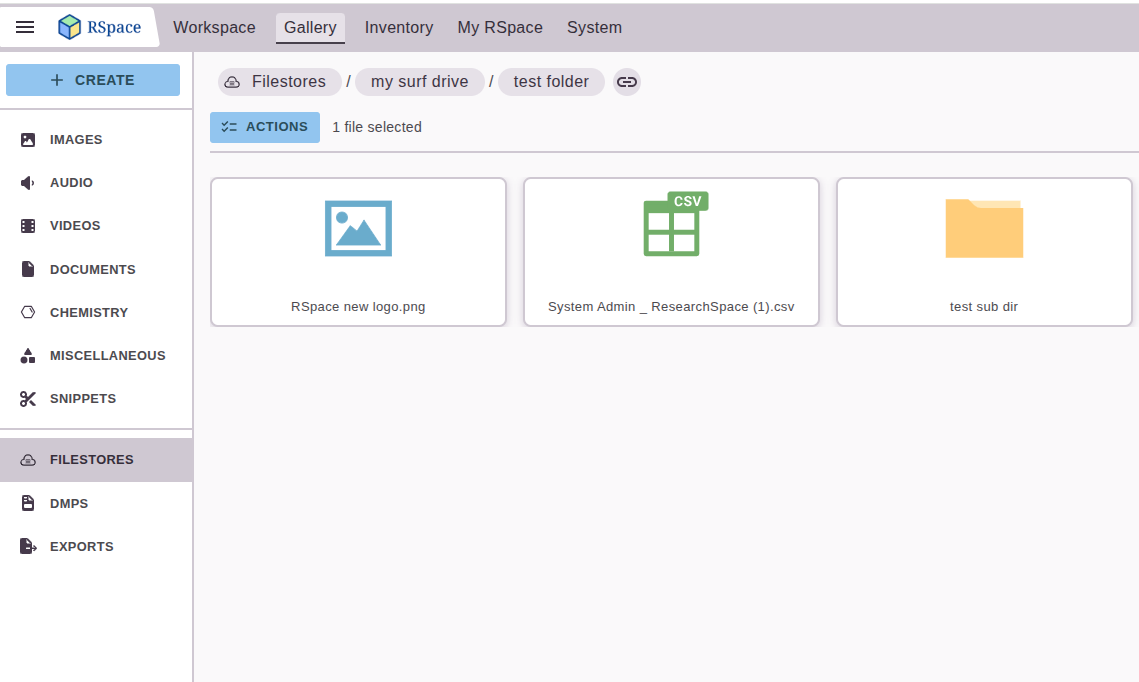
You'll now be able to access your SURF Research Drive from the Filestores area in RSpace
How did we do?
How to Update RSpace on SURF Research Cloud